
private image & PDF OCR
CLIENT-SIDE OCR · ZERO UPLOADS

Scanned PDF to text (OCR)

Extract editable text from screenshots, photos, invoices and scanned PDFs. Recognition happens on your device.

Nothing uploadedImages & PDFs12 languages
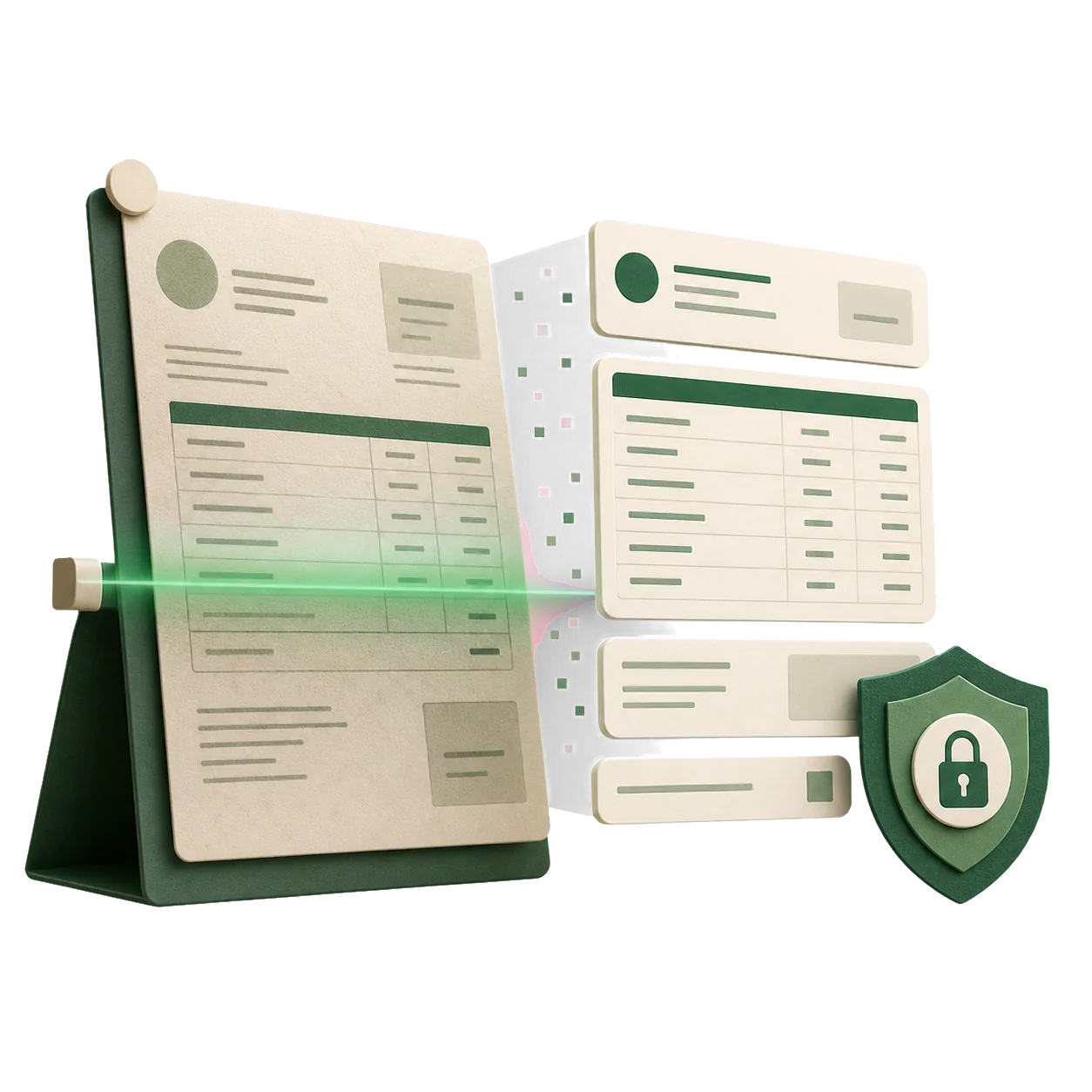
Document being scanned into structured editable text
03 · EXTRACTED TEXT
Ready when you are
0 words · 0 charactersEditable before you copy or download
PRIVATE BY ARCHITECTURE

Copy text without handing over the document.

Screenshot to text

Recover quotes, messages and interface text without typing them again.

Scanned PDF OCR

Turn image-only documents and invoices into searchable, editable text.

Local processing

Tesseract OCR runs in your browser. Your confidential files never reach our servers.

Scanned PDF to text (OCR)

Scanned PDFs are just pictures of pages. OCR reads them page by page and gives you text you can copy, search and edit.

  1. Choose your scanned PDF.
  2. Click Extract text.
  3. Copy the text or download it as .txt.

Frequently asked questions

Does it work for multi-page PDFs?

Yes. Every page is recognized in order.

Is PDF OCR free?

Yes. It's completely free with no signup, no watermark and no file limits. Everything runs in your browser — files are never uploaded, there is no signup and no watermark.

Are my files uploaded?

No. Everything runs in your browser — files are never uploaded, there is no signup and no watermark.