ONE PRIVATE OFFICE TOOLKIT
PDF editor, PDF compressor, invoice maker, and image tools in one place.
Ofyz keeps common document work simple. Each focused tool opens directly in the browser, performs its work locally, and produces a file you can download or continue using in another Ofyz workflow.
Work with PDFs without an upload
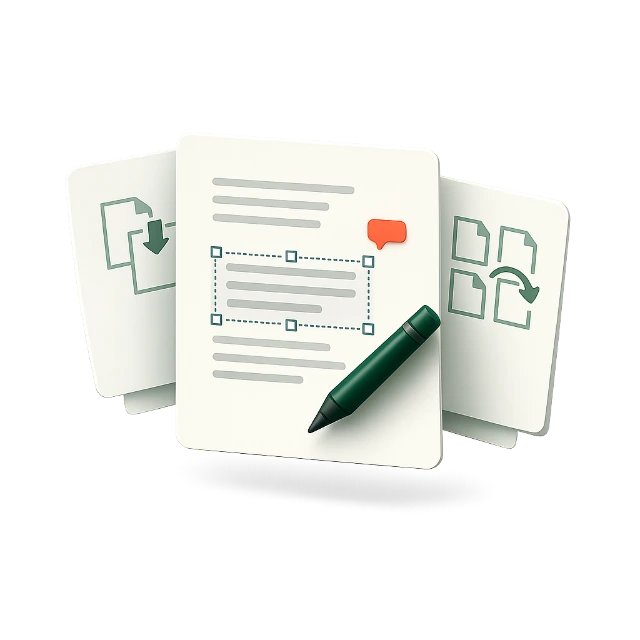
Use the private PDF editor to change supported text, annotate pages, add images, merge documents, split page ranges, rotate pages, or remove pages. When a document is ready but too large to send, the PDF compressor reduces oversized images while preserving crisp, selectable text and vector content. You can also sign a PDF with a drawn, typed, or uploaded signature. These tools are useful for contracts, forms, proposals, reports, and documents containing information that should remain on your own device.
Create practical business documents
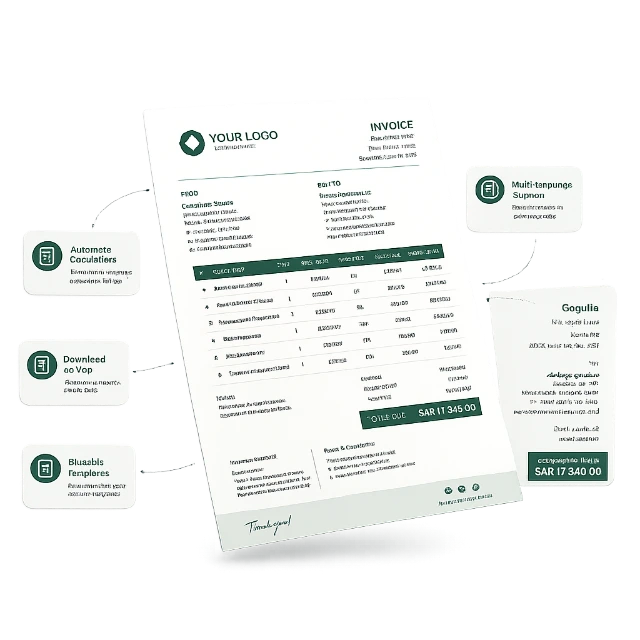
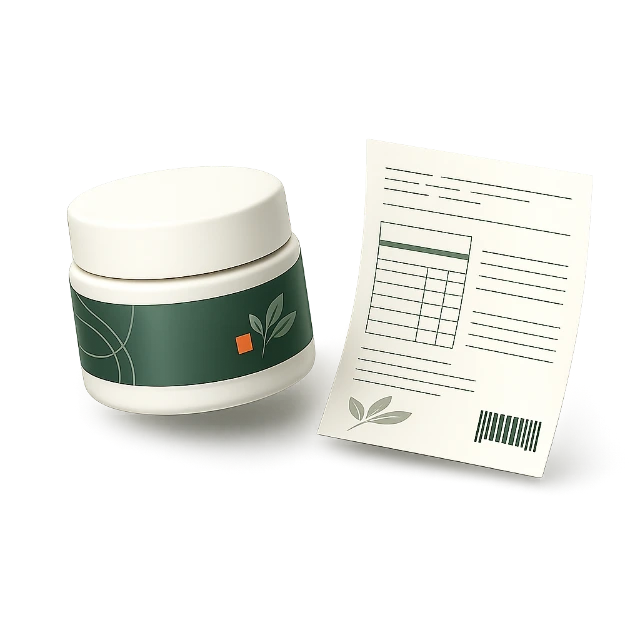
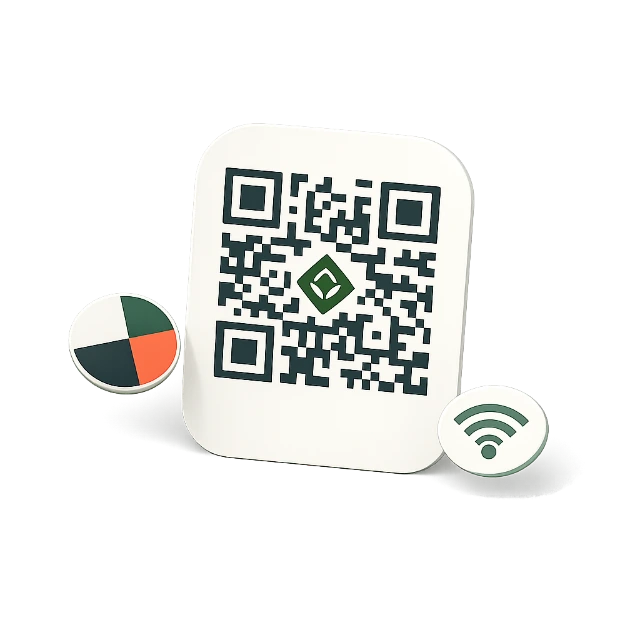
Build a professional invoice with business and customer details, a logo, line items, tax, discounts, currency totals, payment instructions, and notes. The invoice maker includes an A4 preview, local autosave, reusable templates, PDF download, and Arabic right-to-left support. Ofyz also creates product and food labels with multilingual text, nutrition information, ingredients, allergens, barcodes, and print-ready exports. The QR generator produces branded codes for websites, Wi-Fi access, contacts, email, phone, messages, and map locations.
Prepare images and scanned content
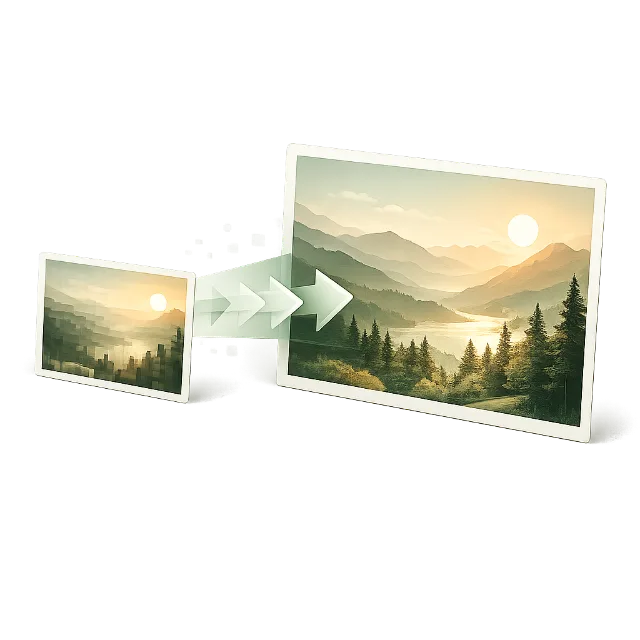
Optimize JPG, PNG, WebP, SVG, and compatible HEIC images by resizing, compressing, or converting them locally. Remove a photo background with the Cutout tool, or enlarge a small picture with the on-device AI Upscale tool. For scanned documents, screenshots, receipts, and photographed pages, text extraction converts visible words into editable text in supported languages. Because processing happens inside the browser, there is no upload queue, account requirement, or server copy of the working file.